Open on both computers.
BitSkim discovers nearby computers automatically using broadcasts on your local network. You can also connect by IPv4 address.
 BitSkim0.1
BITSKIM / LOCAL FILE SHARING
A new connection for the computers you keep. Send files and folders directly between modern desktops and classic machines.
One local network. No account. No cloud.
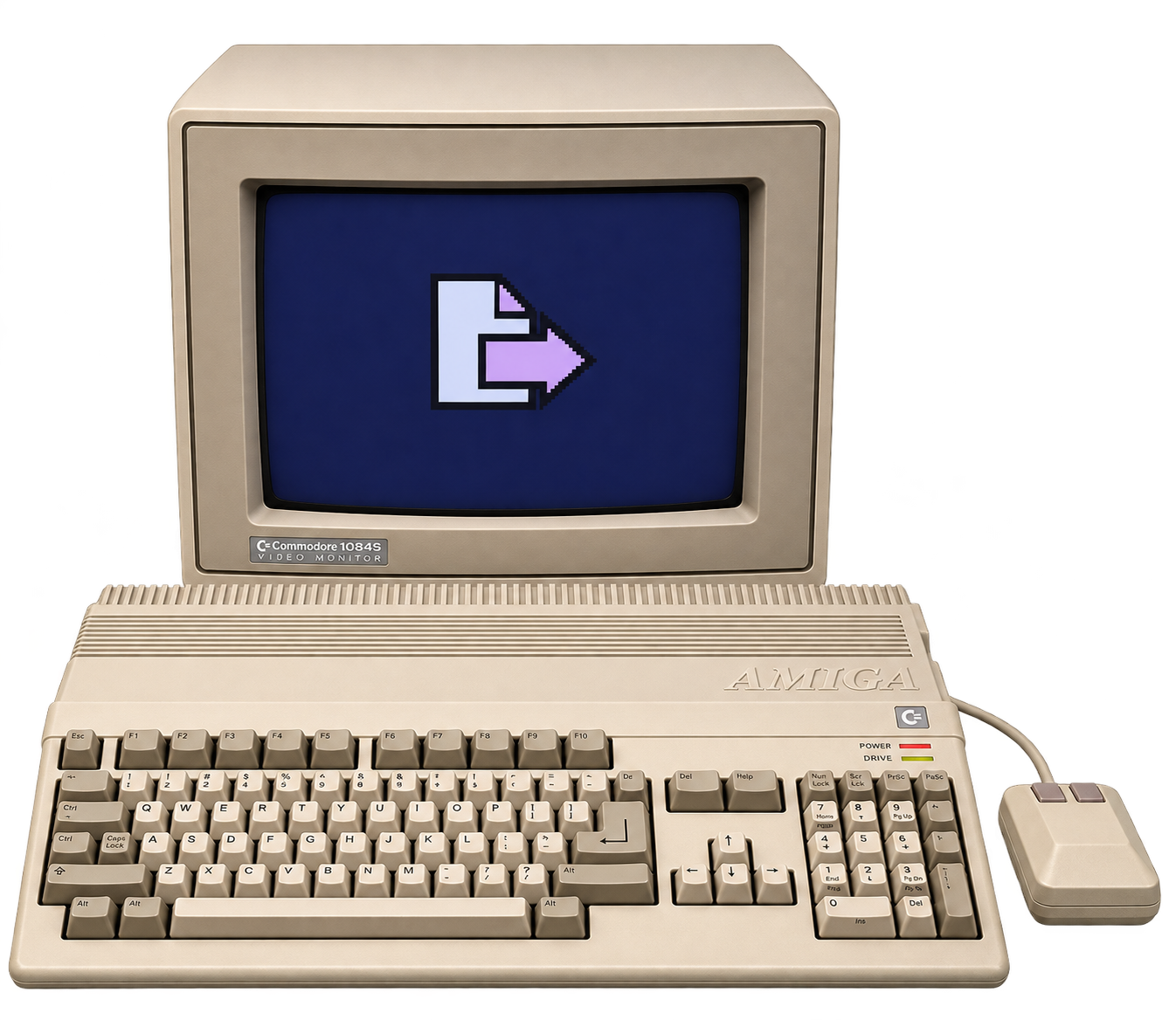 AMIGA
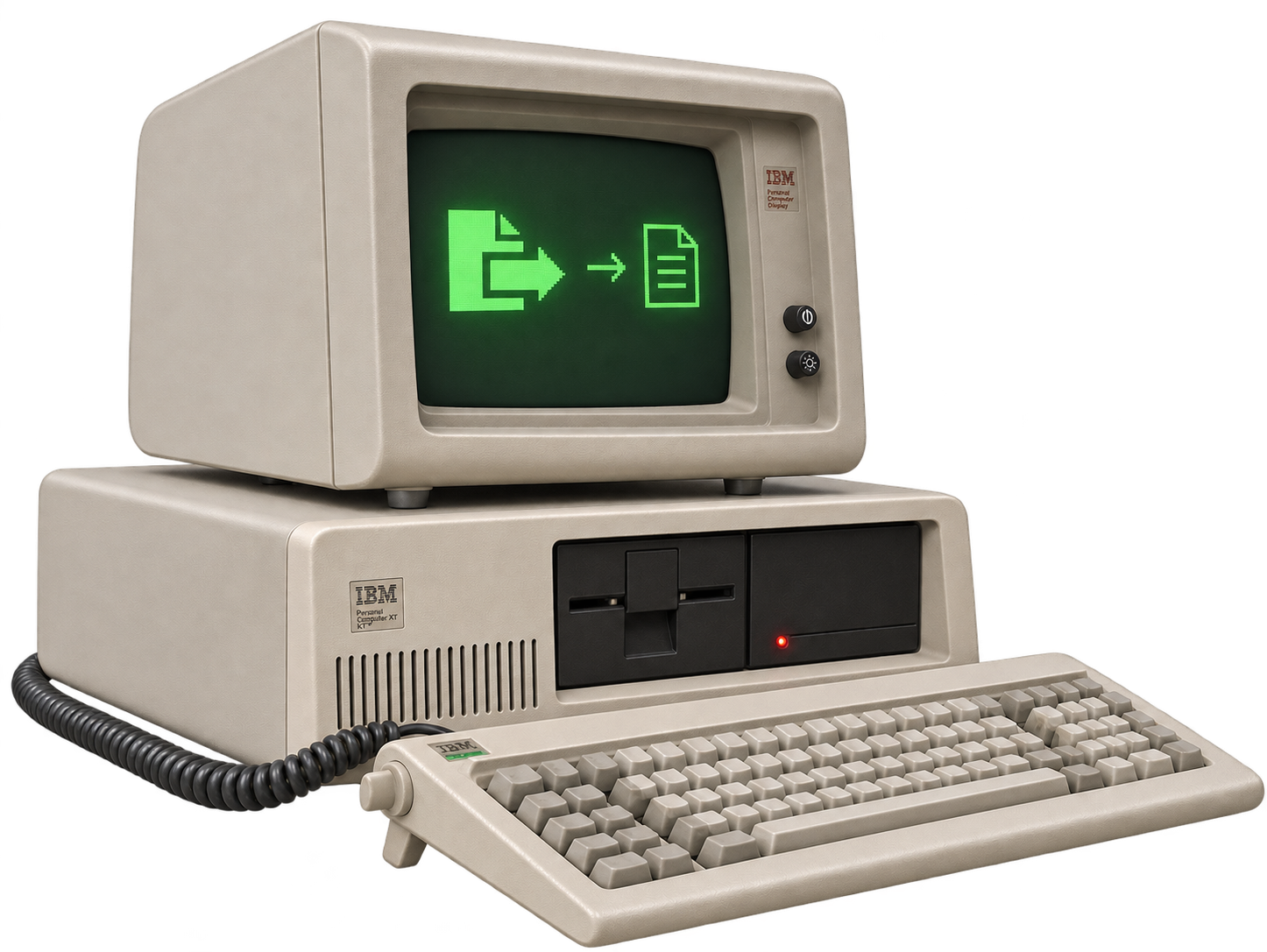 IBM PC
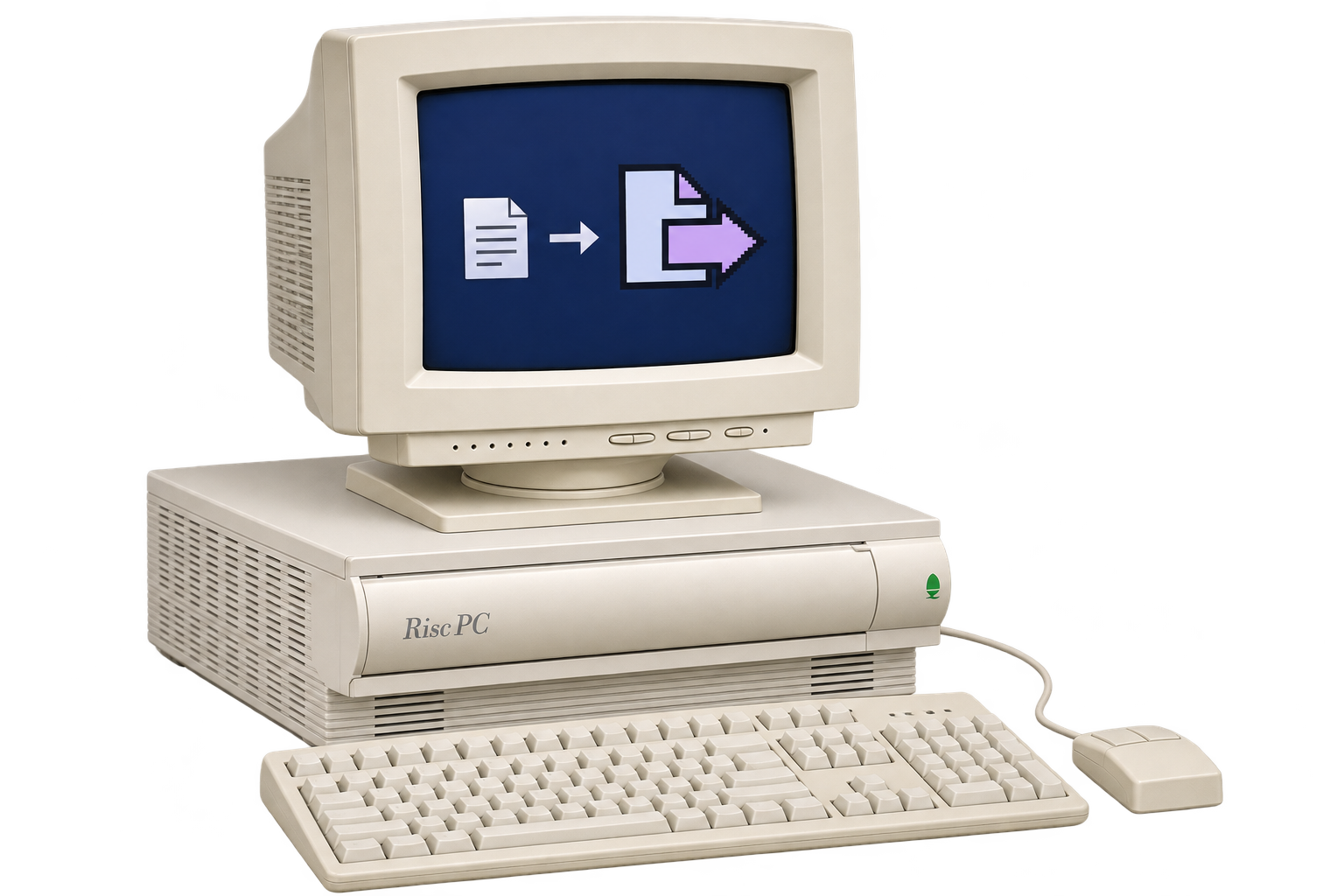 ACORN RISC PC
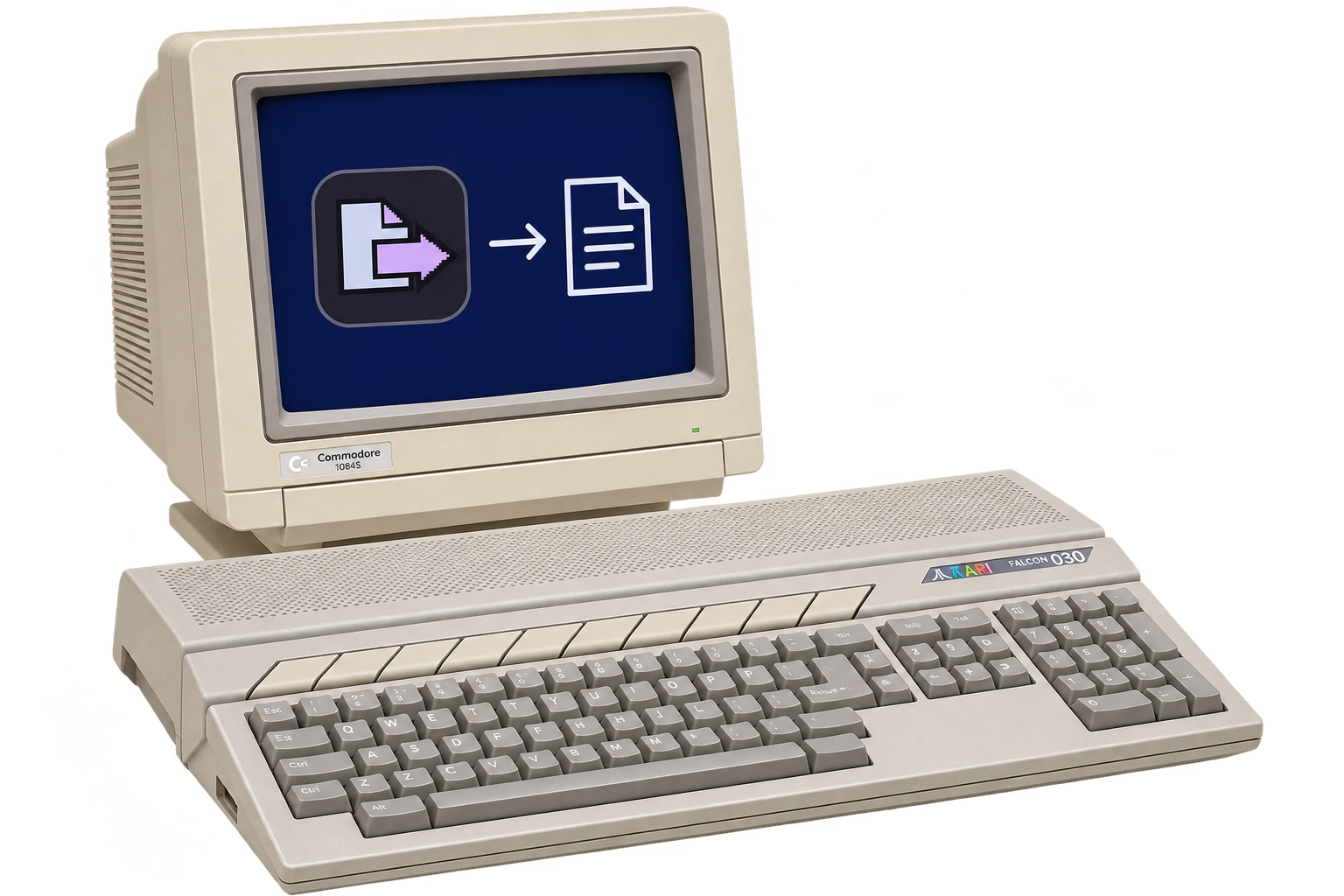 ATARI
A SMALL APP. A LONG REACH.
Keep your favourite computer in the conversation. BitSkim handles the handoff across your local network.
BitSkim discovers nearby computers automatically using broadcasts on your local network. You can also connect by IPv4 address.
Choose files or folders. On Mac, drop them straight onto the other computer.
Accept the offer and choose a destination. Follow the progress or cancel when needed.
Modern clients prefer TLS encryption. Retro connections use plaintext. Built for a trusted local network. Read the details ↗
FOUR DECADES. FAMILIAR CONTROLS.
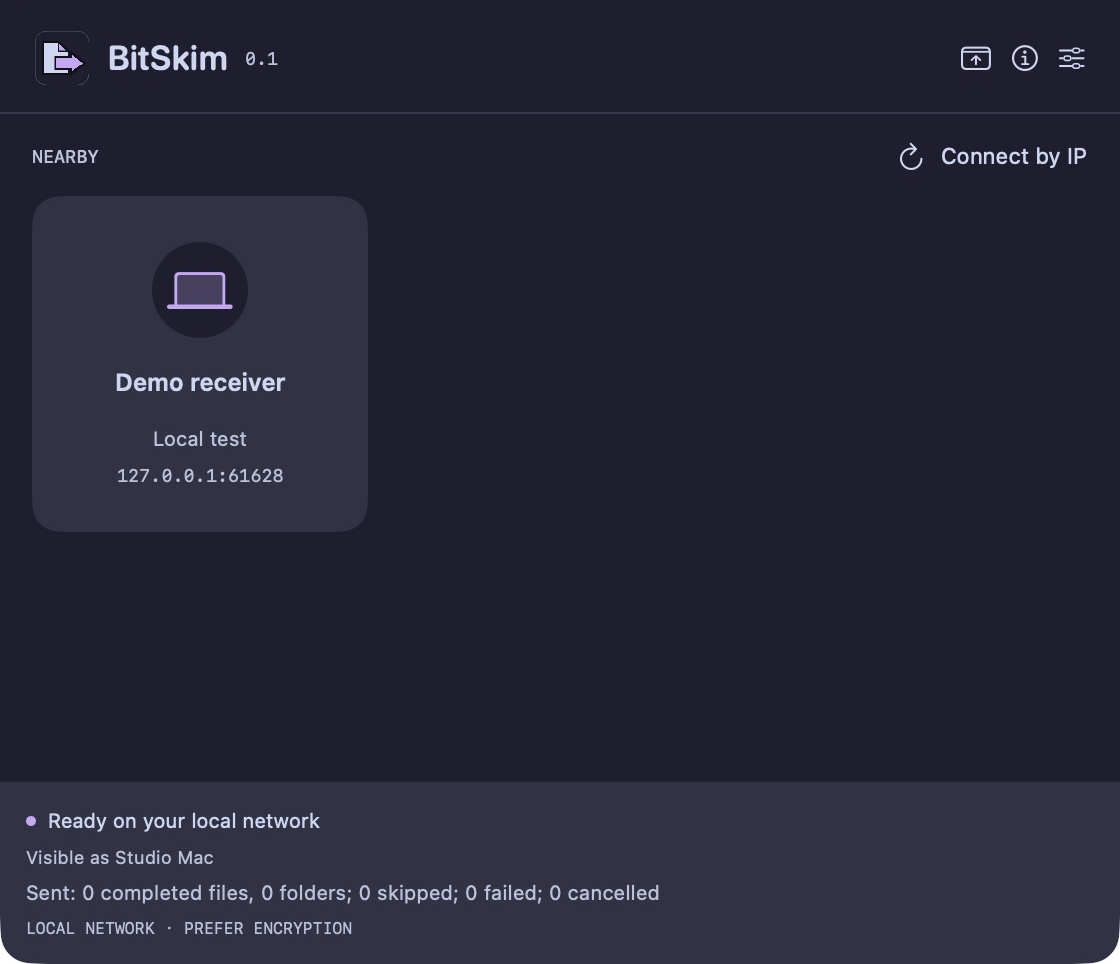
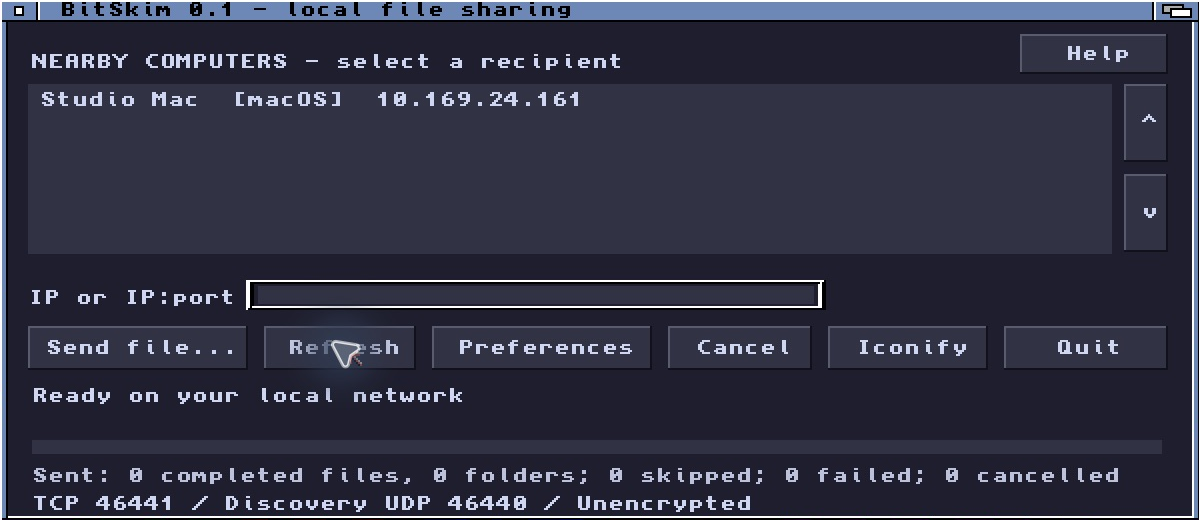
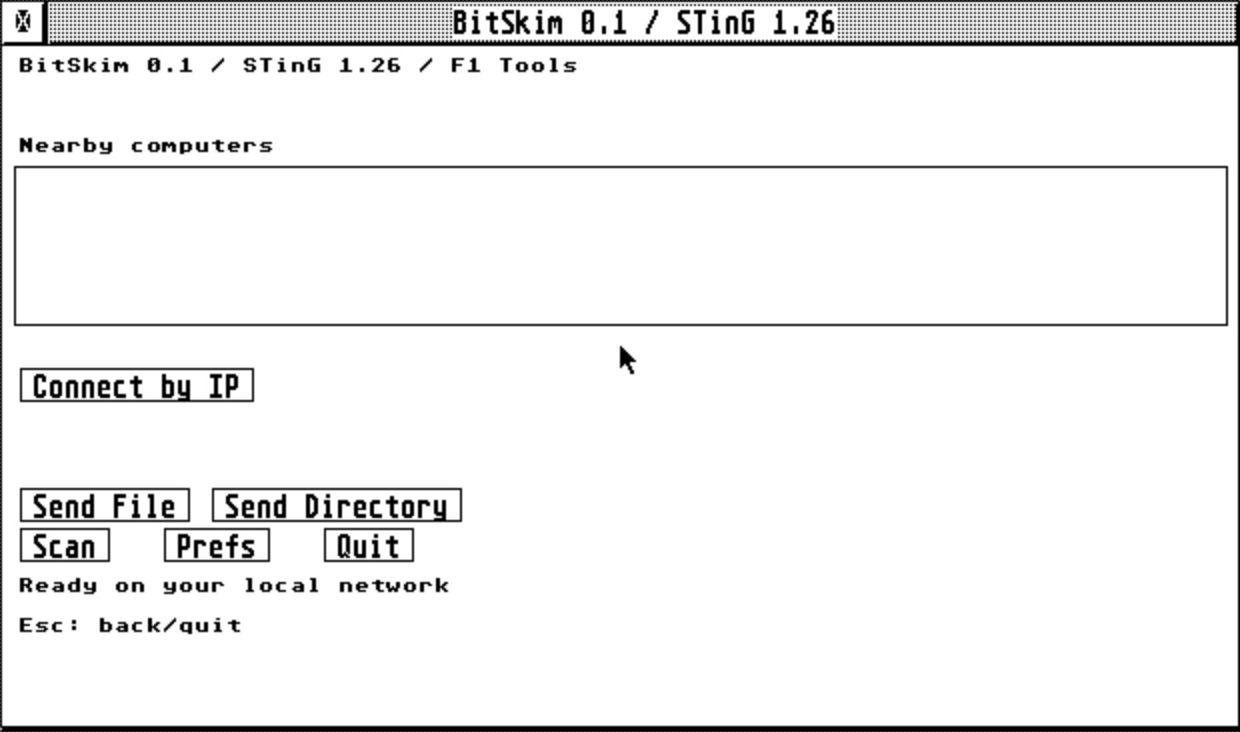
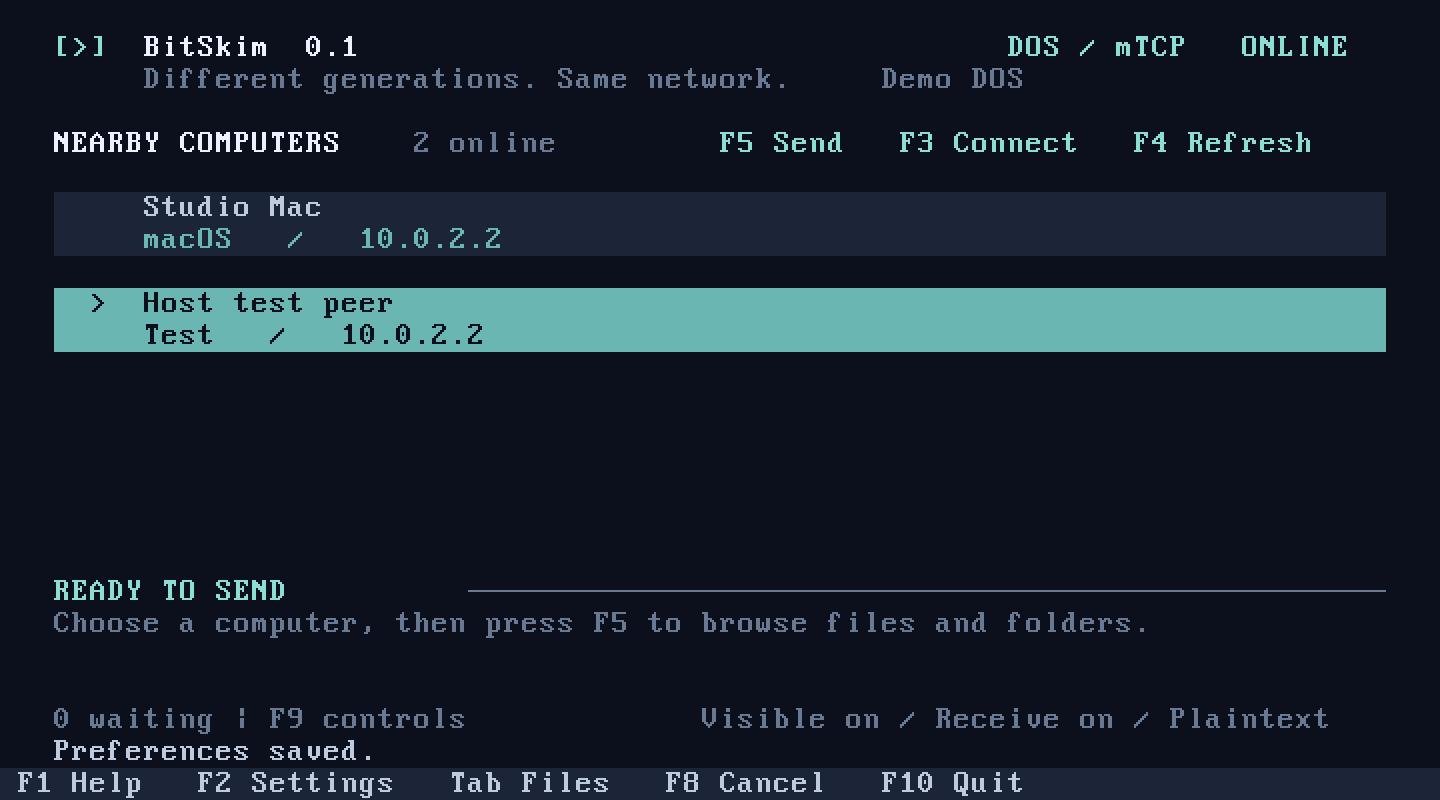
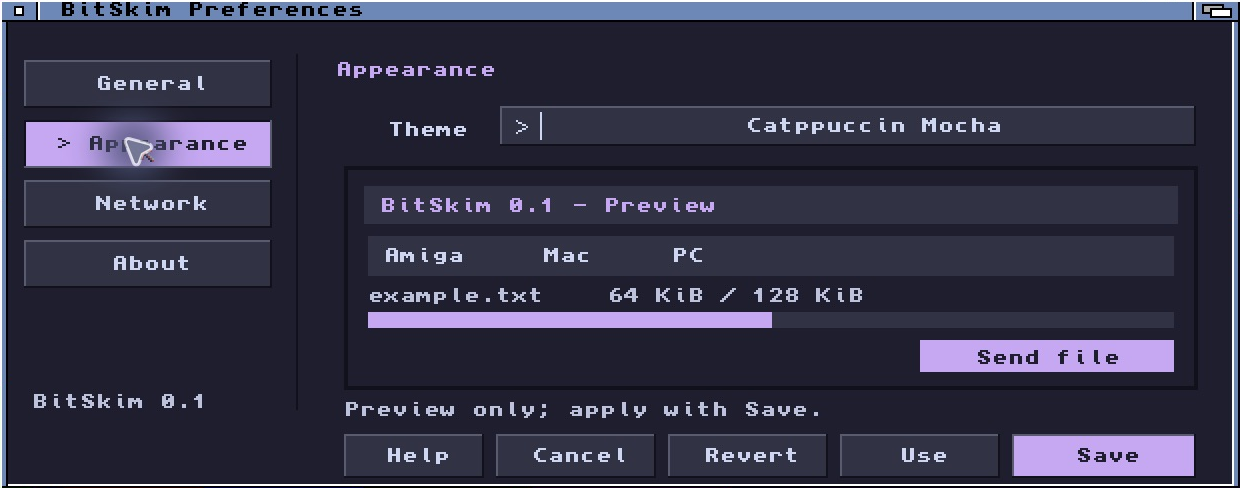
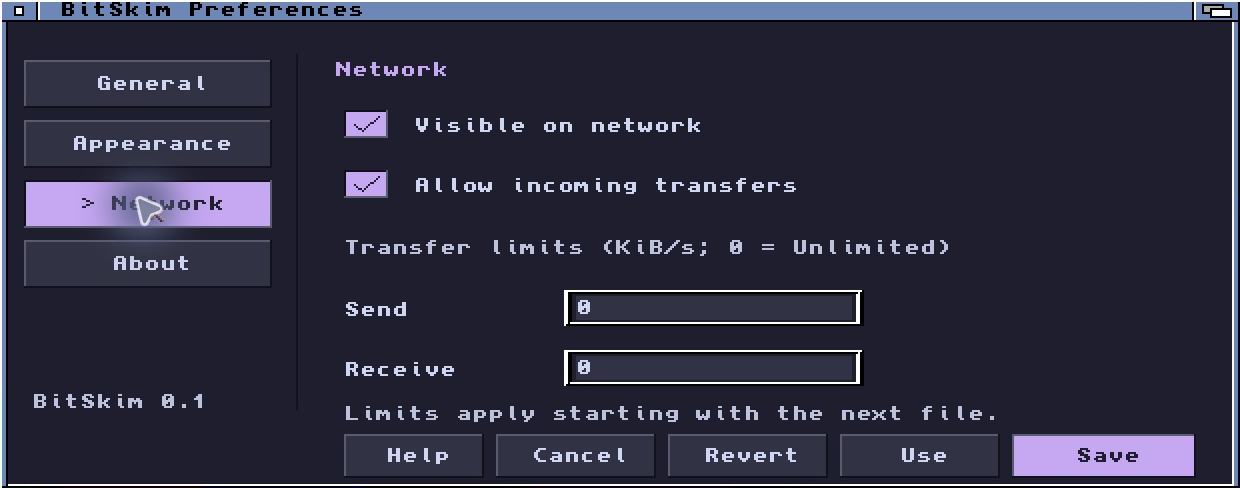
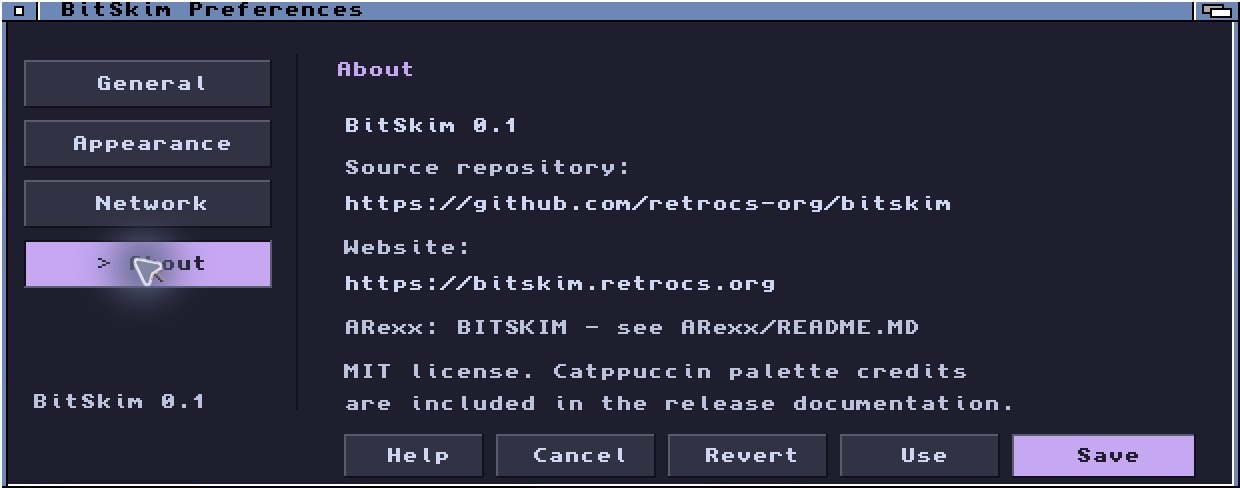
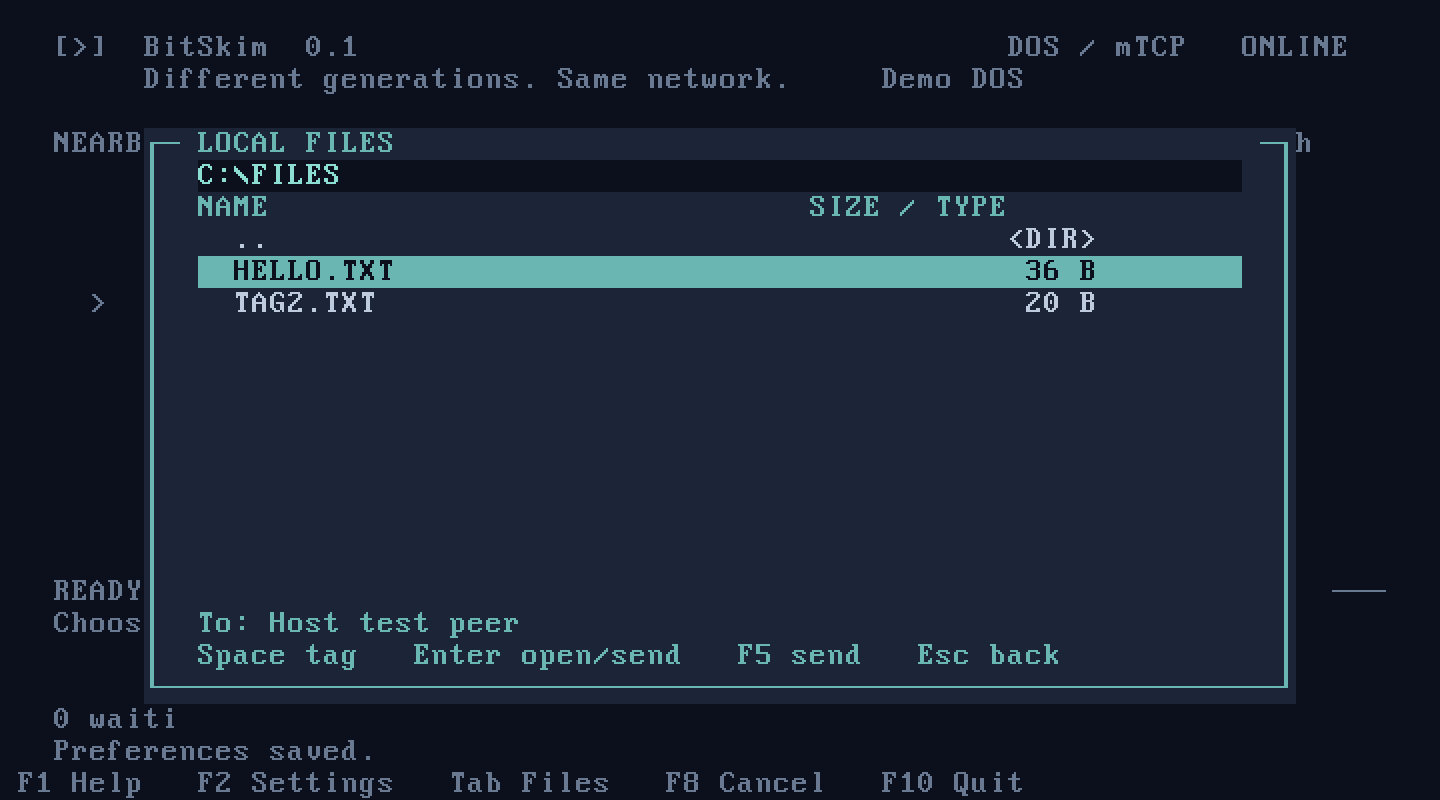
Actual BitSkim 0.1 windows. Native interfaces with a shared transfer engine underneath.
MAKE THE CONNECTION
BitSkim is free to download. Both computers need BitSkim and a reachable IPv4 connection. Choose a client below.
Downloads are selected from published GitHub releases; each client shows its available version.
Apple silicon · macOS 13+ · signed and notarized
Windows 10/11 x64 target · unsigned · interactive setup testing pending
AmigaOS 3.x · 68000 · Workbench · TCP/IP stack required
8086 · packet driver required · GPLv3+ with source · hardware coverage pending
RISC OS 3.x · APCS-26 · TCP/IP required · compiled, not runtime tested
STinG / MiNTNet · startup checked · transfers unverified
Windows 95/98/Me/XP target · unsigned · runtime validation pending
No client download yet.
No client download yet.
Experimental builds have limited validation; compiling a client does not establish hardware compatibility. Platform details ↗
MAKE IT YOUR OWN
Compile a client directly with the supplied platform scripts. Use Python 3.9+, a POSIX shell and the target toolchain; run commands from the project folder.
Extract the source archive, or clone the repository:
git clone https://github.com/retrocs-org/bitskim.git
cd bitskim
Modern Mac and Windows builds also need Perl, make, curl and initial download access for pinned OpenSSL. Install toolchains separately and export their paths in your shell; standalone commands do not load your external release settings. Generated icons and themes are included.
Xcode command-line tools/macOS SDK, Clang and Swift. Targets macOS 13+.
./scripts/build-macos.shOutput: build/macos/BitSkim.app.
MinGW-w64 GCC, windres and binutils in PATH; run from a POSIX shell. The first OpenSSL build requires the x86_64-w64-mingw32 tools in PATH, even if compiler variables are set.
./scripts/build-windows.shOutput: build/windows/BitSkim.exe.
AmigaPorts GCC, NDK and libnix with nix20 support.
AMIGA_CC=/path/to/m68k-amigaos-gcc ./scripts/build-amiga.shOutput: build/amiga/BitSkim.
Compatible m68k-atari-mint GCC with MiNTLib/GEMlib and STinG headers. Builds all three variants.
ATARI_CC=/path/to/m68k-atari-mint-gcc STING_INCLUDE=/path/to/sting-sdk/include ./scripts/build-atari.shOutput: build/atari/{sting,mintnet,mintnet060}/BITSKIM.PRG.
Working legacy GCCSDK 2.95.4 AOF/UnixLib, APCS-26. Builds both CPU variants.
RISCOS_CC=/path/to/legacy/gcc ./scripts/build-riscos.shOutput: build/riscos/{arm2,strongarm}/!BitSkim.
Open Watcom 16-bit DOS tools and a configured DOS build runner. The guide also describes the unvalidated Windows-native route.
python3 scripts/build-dos.py --watcom /path/to/open-watcom --runner /path/to/dos-runnerOutput: build/dos/BITSKIM.EXE.
i686 MinGW-w64 GCC and windres in a POSIX shell, with the libmsvcrt-os.a import library. Runtime validation remains pending.
LEGACY_WINDOWS_CC=/path/to/i686-w64-mingw32-gcc LEGACY_WINDOWS_RC=/path/to/i686-w64-mingw32-windres ./scripts/build-windows-legacy.shOutput: build/windows-legacy/BitSkim.exe.
On macOS/Linux, provide a host C compiler named cc and local socket access. Application and hardware testing remain separate.
python3 -m unittest discover -s tests -bAfter building the Windows client, provide NSIS 3 and its matching Stubs/Include/Plugins data:
MAKENSIS=/path/to/nsis/bin/makensis NSISDIR=/path/to/nsis/share/nsis ./scripts/build-windows-installer.shFinish source, documentation and website edits before compiling: packaging rejects build records after any of those files change. Rebuild affected package targets after edits.
The complete manual build guide ↗ includes target outputs, Atari SDK preparation, Mac disk images and local package creation. It is also included as docs/BUILDING.md in the source archive.
HELP & ANSWERS
Getting connected, choosing a client, and answers to common questions.
AmigaOS 3.x, a Workbench screen at least 640×256, and an AmiTCP-compatible TCP/IP stack exposing bsdsocket.library version 4.
Files up to 2 GiB minus one byte each, plus nested folders and empty directories on capable clients. Queues, conflict choices, speed limits and session history help manage a transfer. Filesystem metadata is not preserved. See the release notes for feature and platform limits.
BitSkim uses its own protocol; both computers need the app. Version 0.1 is intended for trusted local networks. Keep its listening port off the public Internet.
Open BitSkim on both computers and enable visibility and receiving. BitSkim sends UDP broadcasts on the local network to discover nearby clients automatically. No account or central server is needed.
Check that both apps are running, receiving is enabled, and both computers have a reachable IPv4 connection. Guest Wi-Fi, client isolation, routers and VPNs can block broadcasts. Try the other computer’s IPv4 address directly; this still requires a reachable network connection.
Discovery uses UDP port 46440. The default TCP listening port is also 46440, although a client can advertise a different listening port. Allow the app through your firewall on your trusted local network. Port forwarding is not needed for local transfers.
Mac and modern Windows clients prefer TLS encryption. Retro connections use plaintext. To verify a modern device’s identity, compare verification codes before remembering its public key. Use BitSkim on a trusted local network. Read the security details.
Yes, when both computers run compatible BitSkim clients and can reach each other over IPv4. Features depend on the receiving client. An experimental build is available to try, but its label does not guarantee compatibility with every machine or network stack.
BitSkim maps filenames when needed for the destination filesystem. Version 0.1 does not preserve permissions, timestamps, Mac resource forks or retro filetype metadata. Keep an archive of the original files when that information matters.
These clients have limited runtime or hardware validation. Their download cards and release notes describe the checks completed so far. Planned clients have not been released and are listed separately.
Yes. One shared source archive contains the project and build instructions. See Build from source for requirements and commands, including a link to the complete platform guide.